Mindscape Psychedelic Institute
Protocol StudioUsers manual
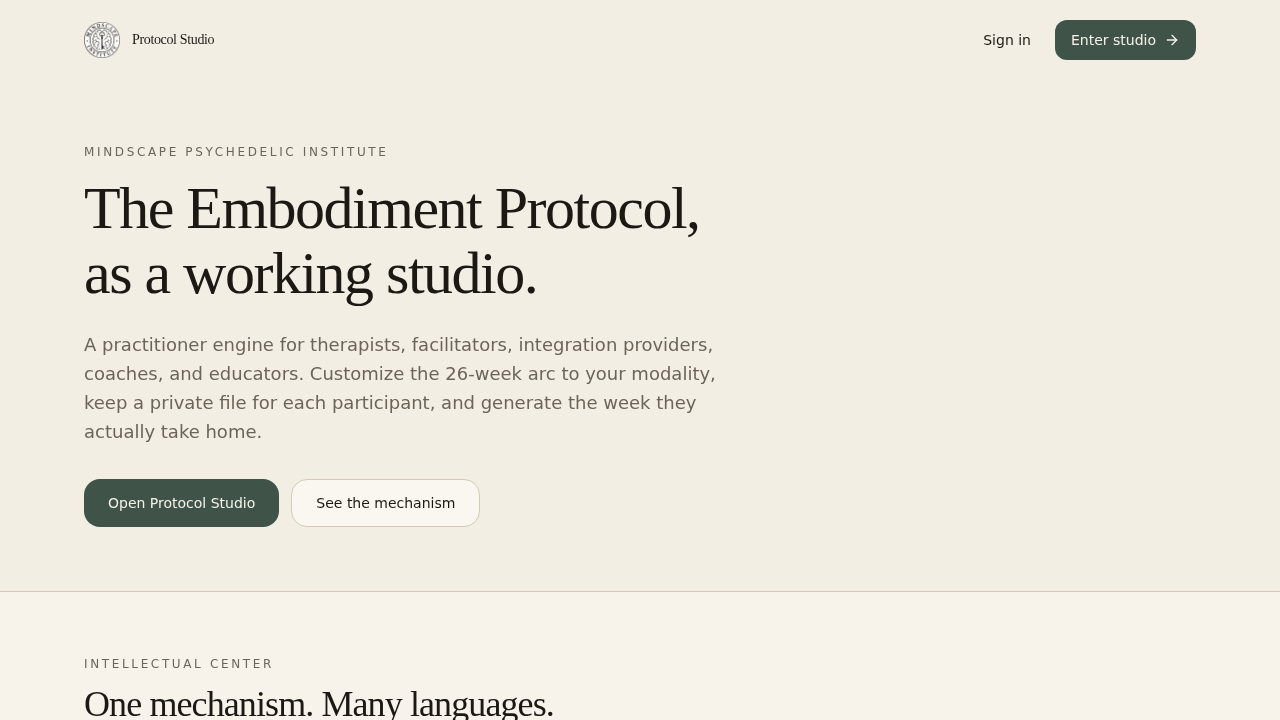
This is the practitioner engine for the Embodiment Protocol. You customize the week, keep a private file for each person, and send them home with a PDF they can actually follow. It is not an EHR, not a client login, and not HIPAA.
Five-minute first run
- Open the studio link and create a practitioner account (same email as an older test link is fine — it is a new studio).
- On Studio, click Load sample or Create folder.
- Open the folder, then Build this week.
- Choose practices, adapt language if you want, then Mark ready.
- Click Download PDF. Email it, or print it and send them home. That is the week they take with them.
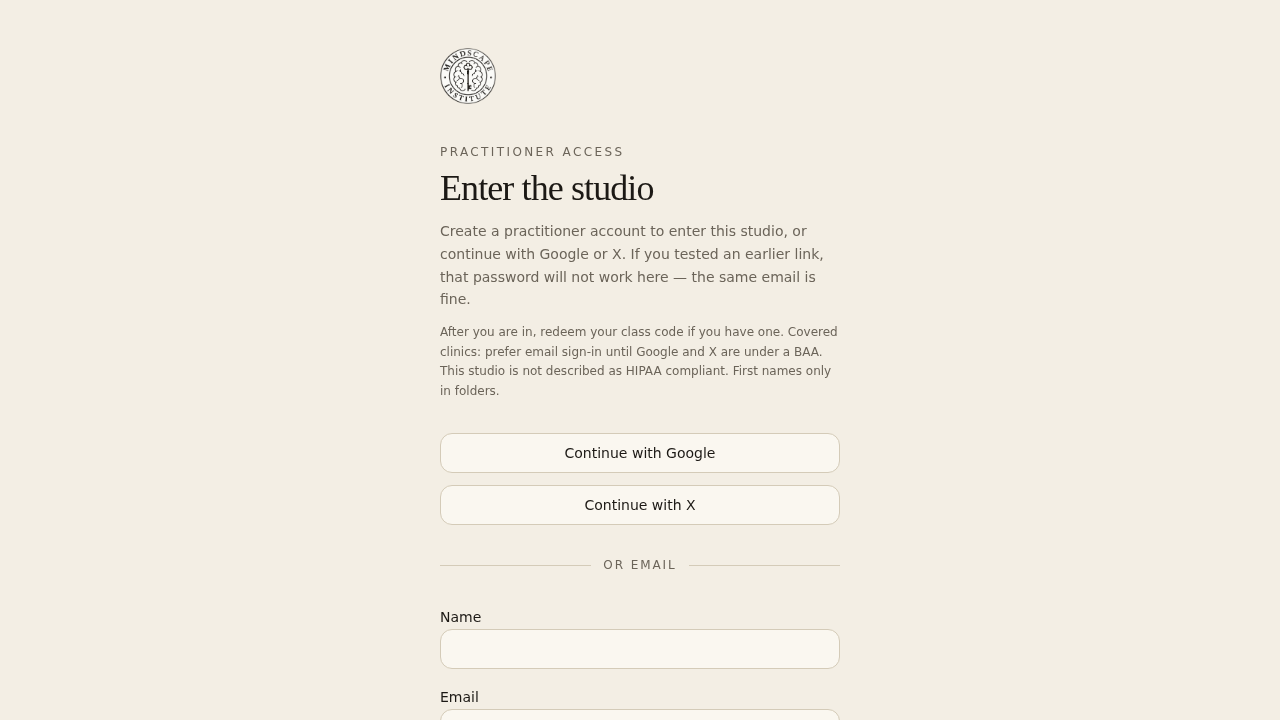
1. Enter the studio
Use Create an account the first time you arrive — not an old password. Google and X also work. After you are in, redeem a class code if you have one (for example MINDSCAPE-COHORT-26). New accounts receive a 30-day full trial automatically.
Covered clinics: prefer email sign-in until Google and X are under a BAA.
2. Studio home
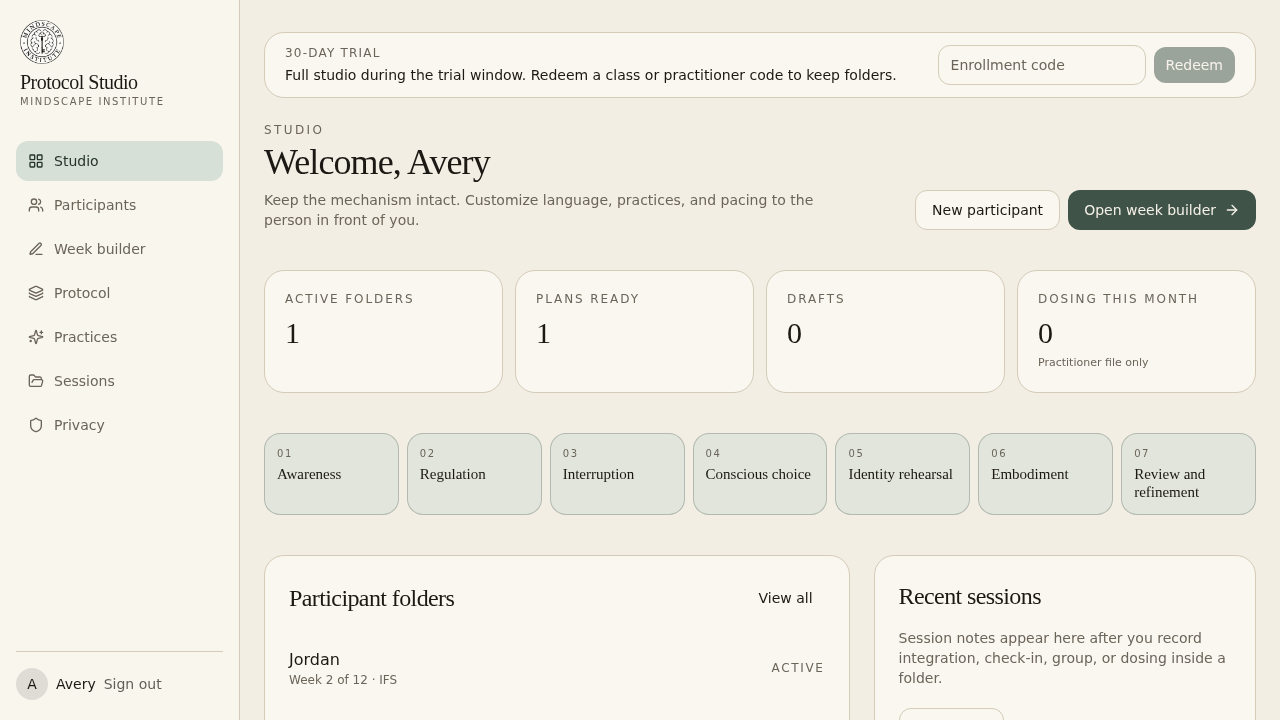
After sign-in you land on Studio. The left column is the whole product: folders, week builder, protocol map, practices, session log, and privacy. Counts at the top are your active folders, ready plans, drafts, and dosing notes this month.
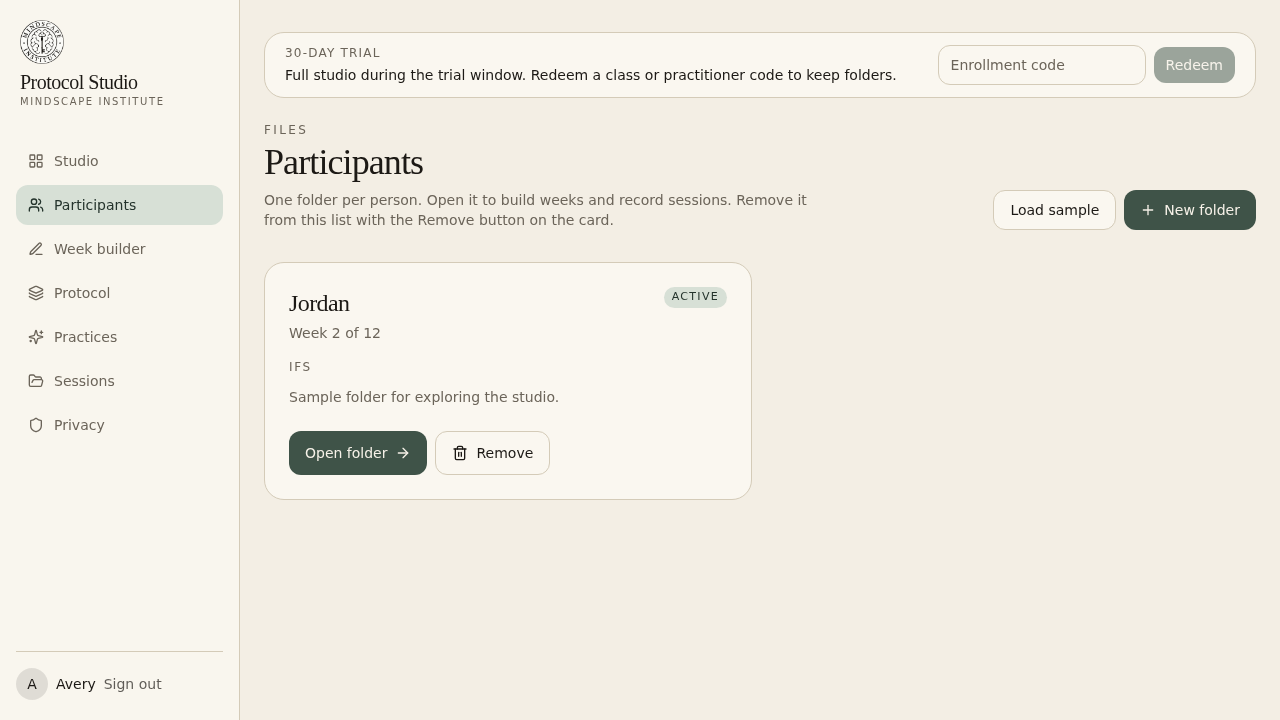
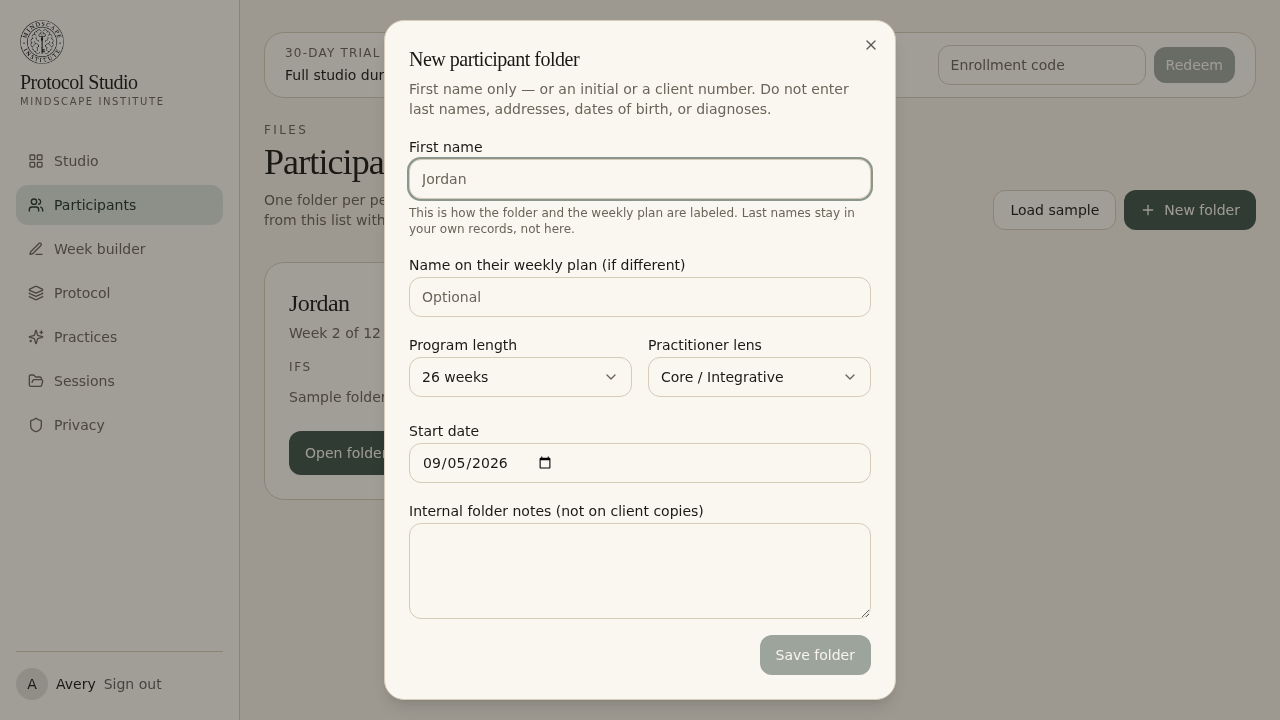
3. Participant folders
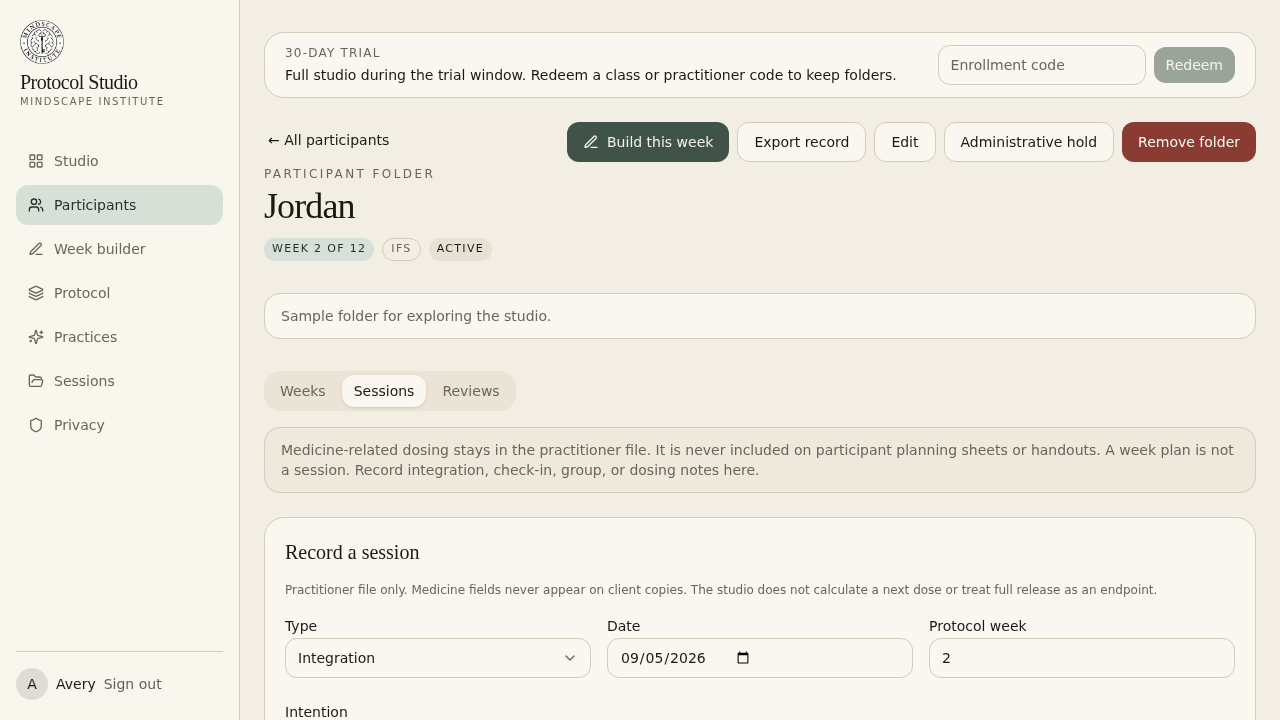
Each person you work with gets a private folder. Open folder actually opens it. Remove hides it from your active list (export first if you need a copy).
4. Inside a folder
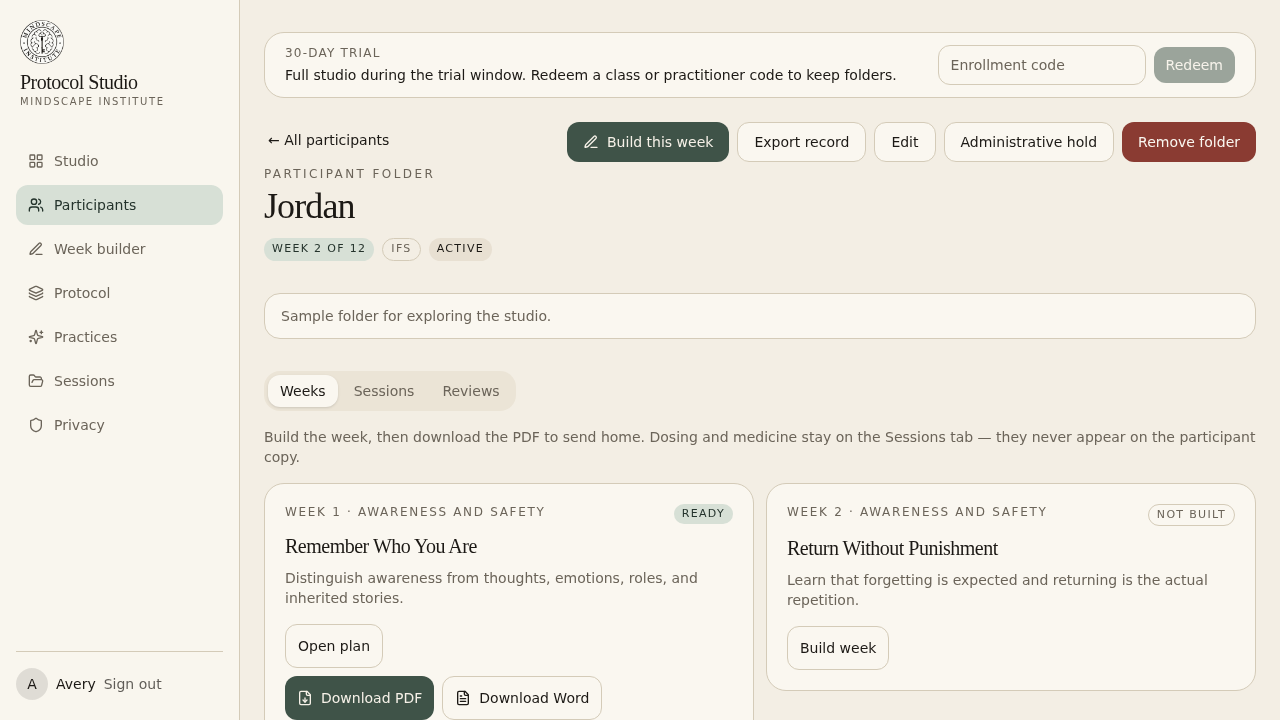
A folder has three tabs. They are not the same thing:
- Weeks — the protocol plans you compose. This is what becomes the take-home PDF.
- Sessions — integration, check-in, group, or dosing notes. A week plan is not a session.
- Reviews — baseline and follow-up points along the arc.
5. Compose the week
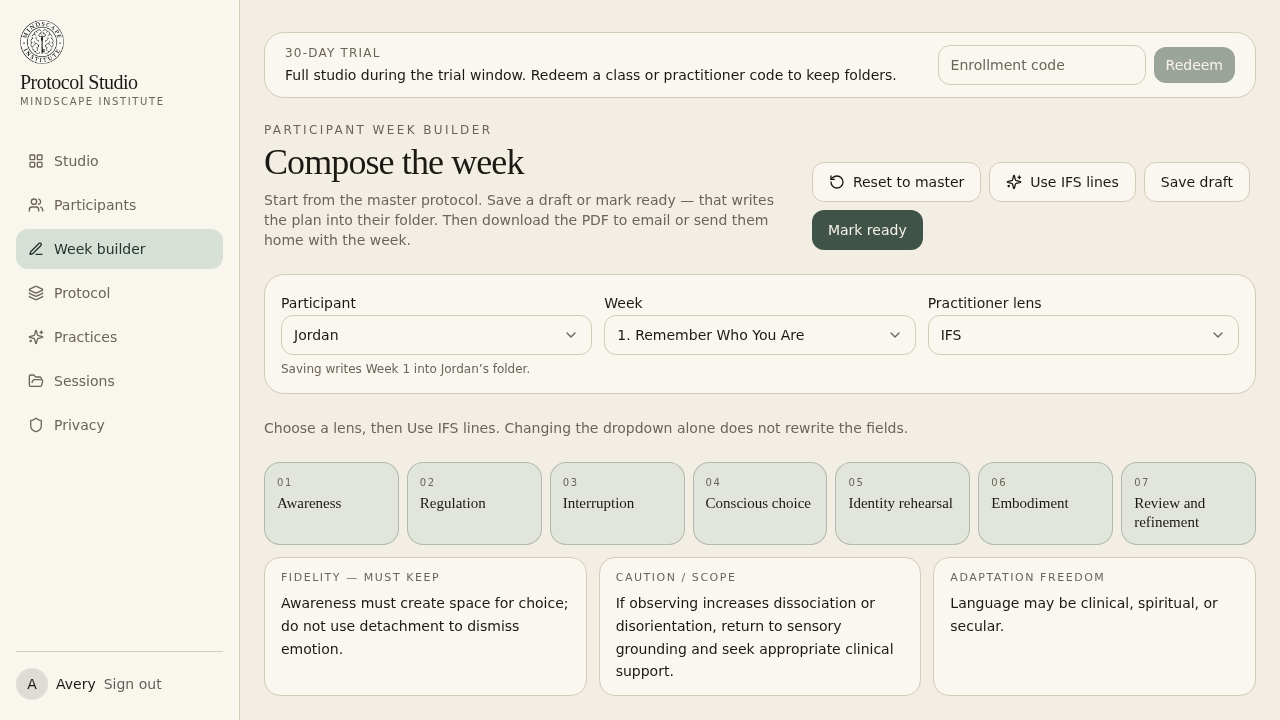
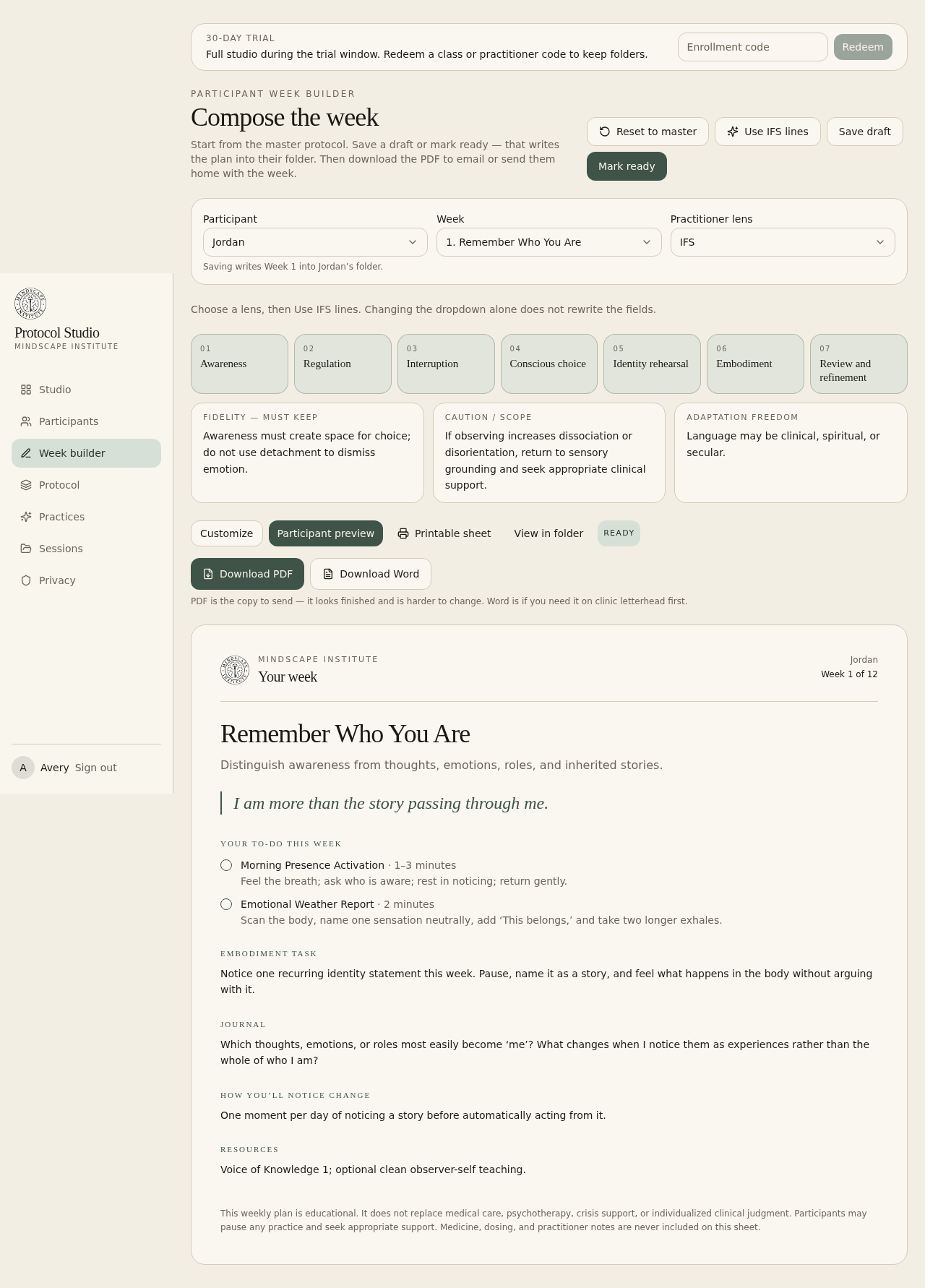
The week builder starts from the master protocol. Choose the person and the week, keep the mechanism, and change language or practices to fit. Save draft writes it into the folder without sending. Mark ready is what you do when you would actually hand it over.
Use the lens button (ACT, IFS, somatic, and so on) to rewrite supporting lines. Theme and mechanism stay the same.
6. Send them home
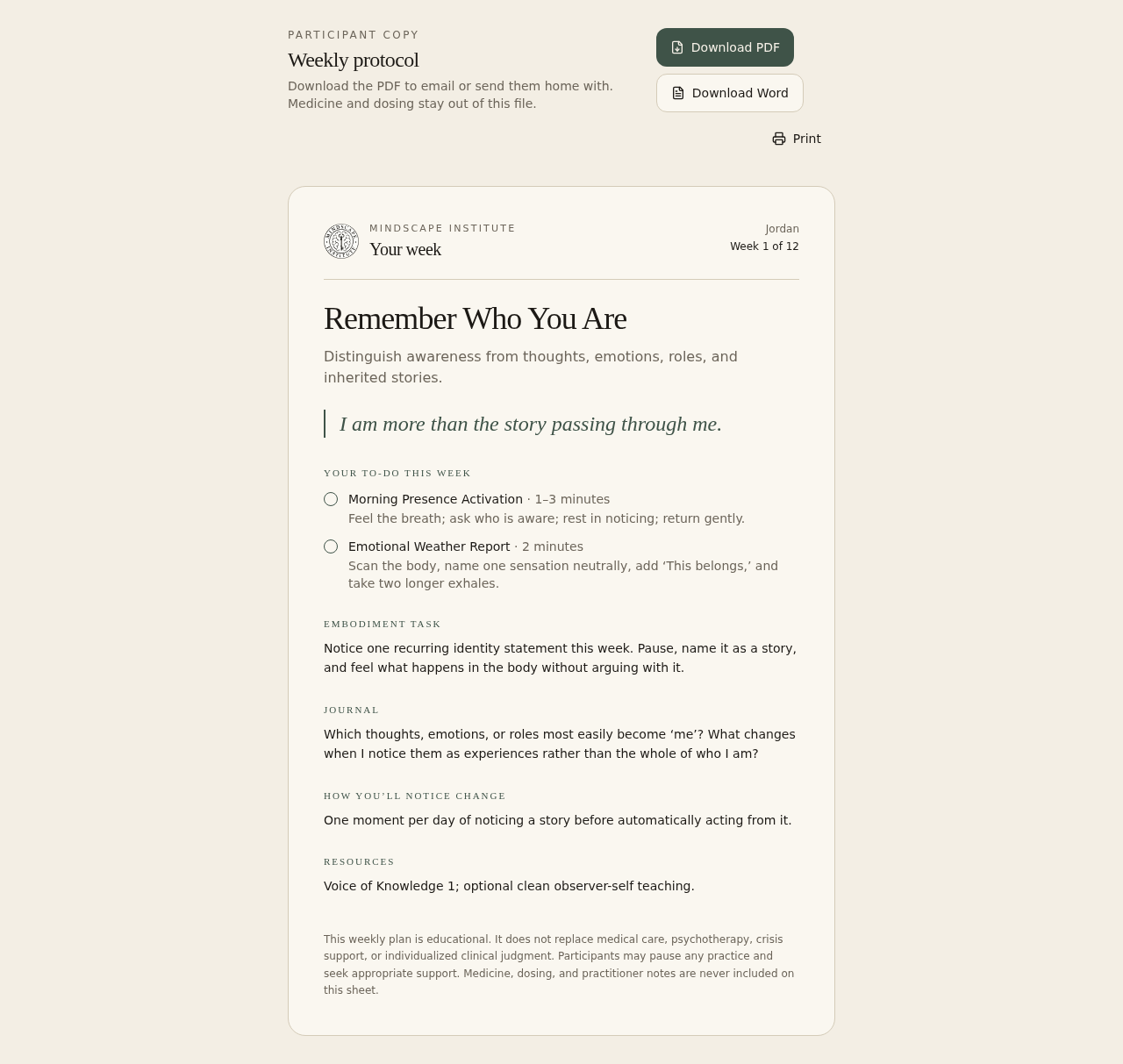
After a week is ready, download the PDF. Email it, or print it and put it in their hand. That is how they remember the week. Word is only if you need the file on clinic letterhead first.
The sheet is branded Mindscape, titled “Your week,” and includes daily practices (checkboxes), the embodiment task, the journal prompt, and how they will notice change. Medicine and dose are never on it.
7. Sessions & dosing
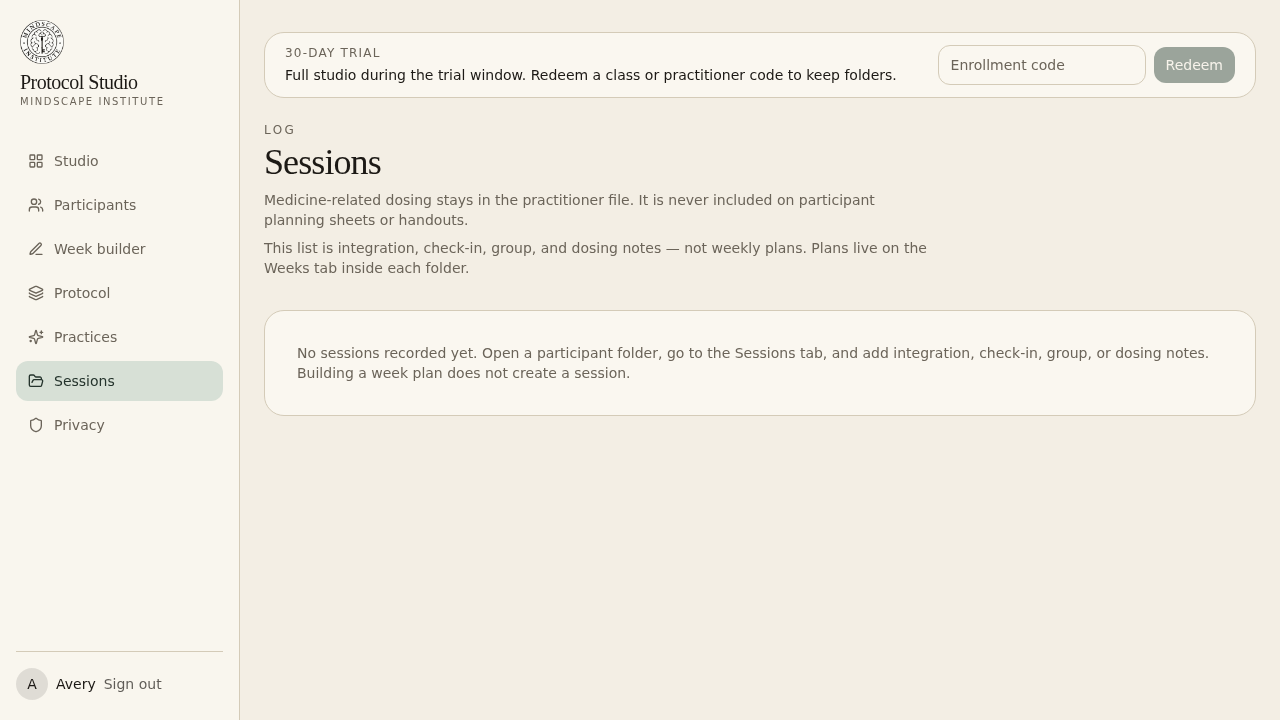
Record integration, check-in, group, or dosing inside the folder’s Sessions tab — or from the studio-wide Session log. Medicine and dose notes stay in the practitioner file. The studio does not calculate a next dose.
8. Protocol & practices
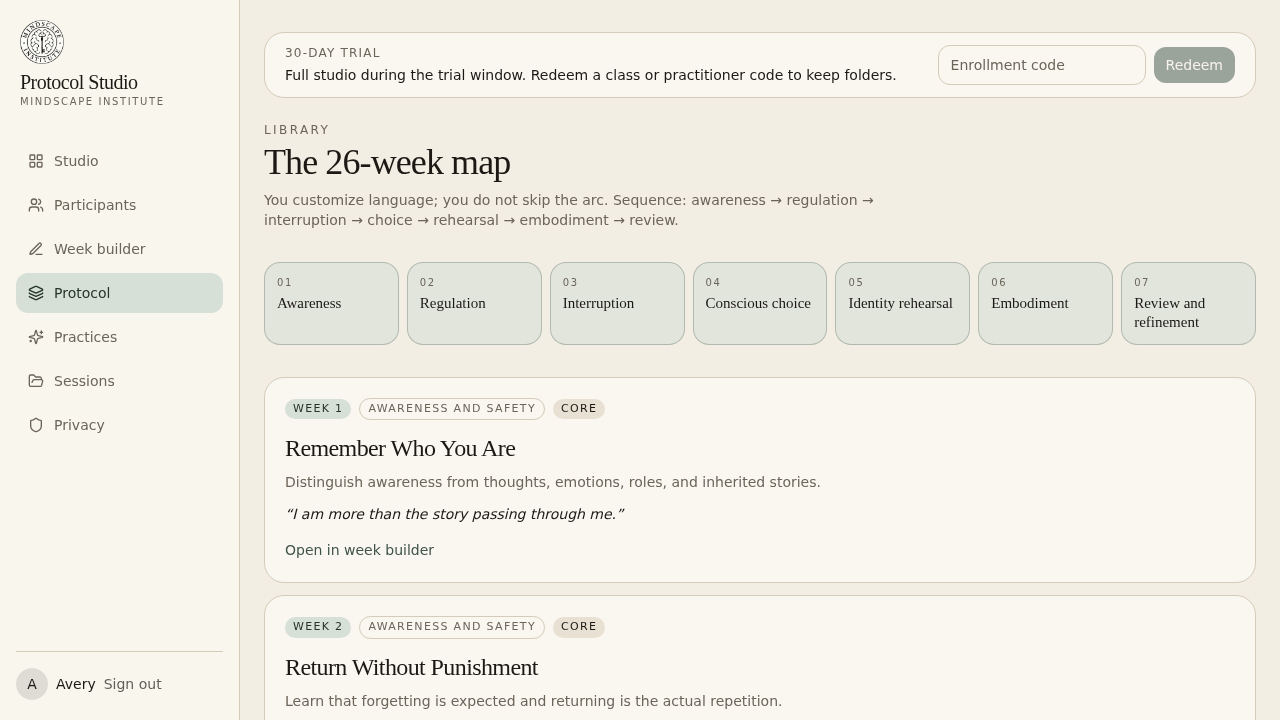
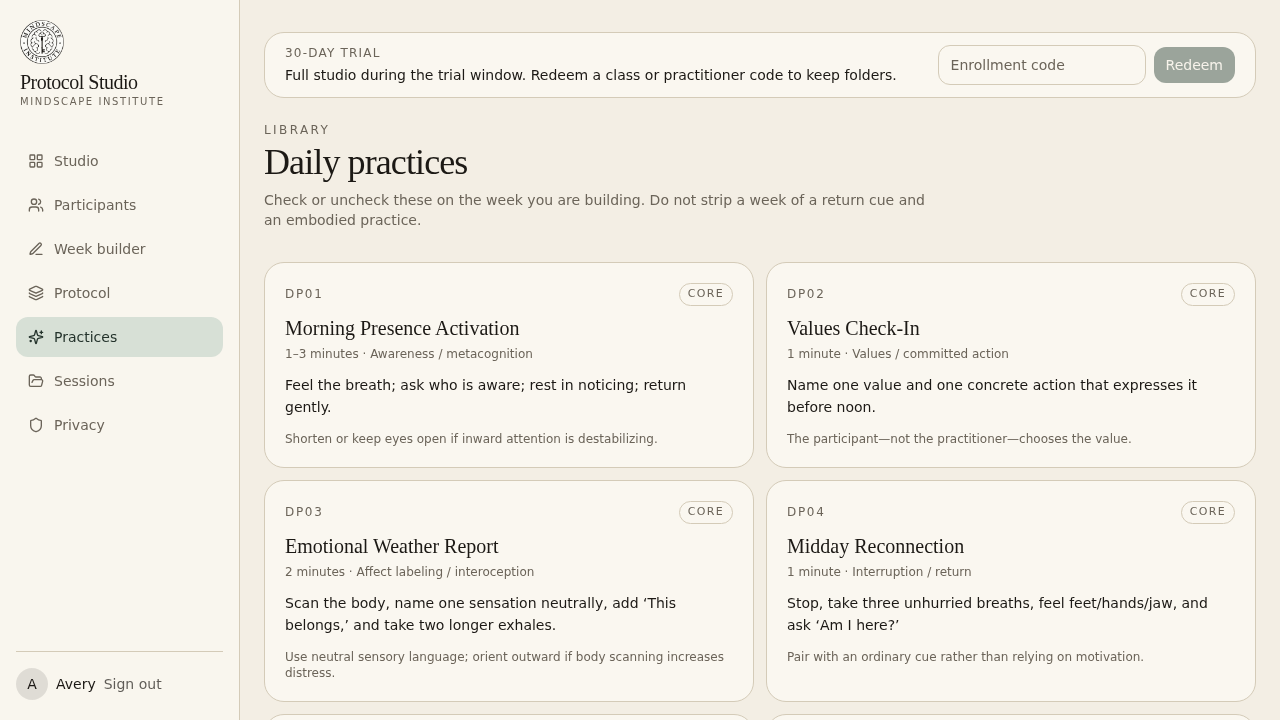
Protocol is the 26-week map. You customize language; you do not skip the arc. Weeks 1–10 include this week’s Practice of Awakening episode. Weeks 11–26 stay blank until those videos exist. Practices are the daily tools you check on or off while building a week. Do not strip a week of a return cue and an embodied practice.
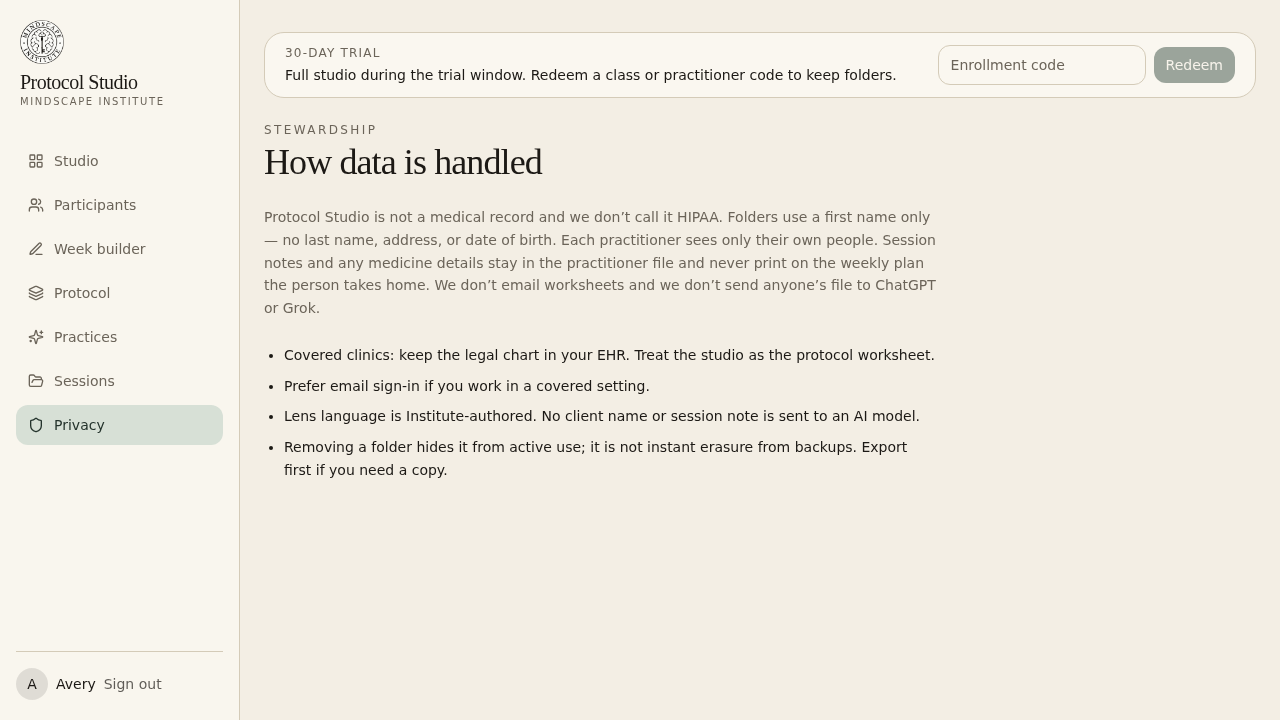
9. Privacy
Protocol Studio is a protocol worksheet, not a medical record. Keep the legal chart in your EHR. Each practitioner sees only their own folders. Removing a folder hides it from the active list; it is not instant erasure from backups — export first if you need a copy.